Screenshot studio for your apps
Make every screenshot stand out.
Turn your captures into striking 3D App Store screenshots and banners. Design them yourself, or let the AI agent in Xcode make the whole set.
 Download fromMac App Store
Explore the Xcode agent
Download fromMac App Store
Explore the Xcode agent
Free to try · macOS 27 or later
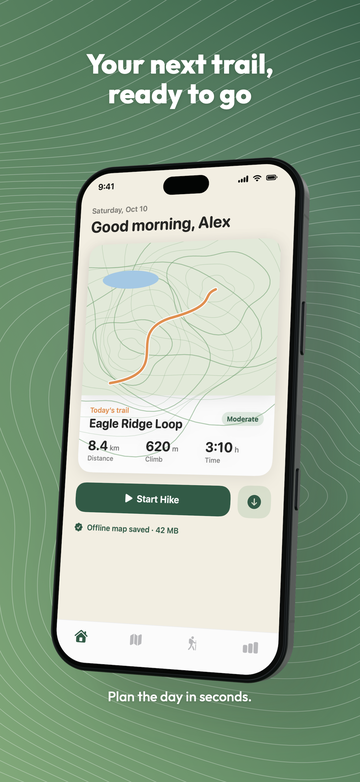
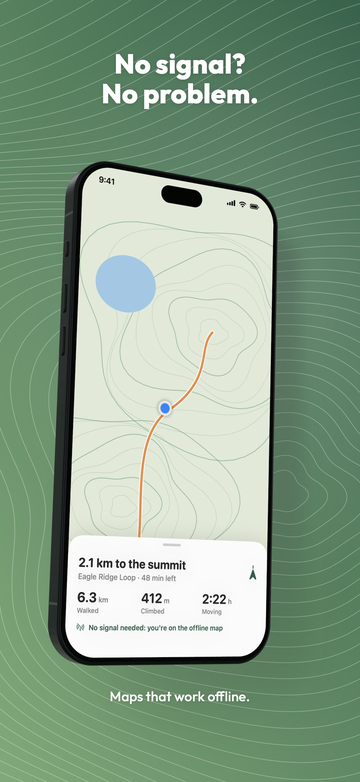
The Xcode agent
Your Xcode agent makes them for you
Ask the AI agent in Xcode for App Store screenshots. It runs your app, writes the copy in every language and hands you a finished set to check.
-
Turn it on
In Twixit, choose It installs the free Twixit plug-in in Xcode in one click.
Twixit › Settings › Automation
[x] Allow automation
[ Set Up Xcode Agent… ]
Xcode: Install the Twixit plug-in? [Install]
-
Ask
In Xcode's agent, type: "Make App Store screenshots for this app." That's the whole prompt. Add direction if you like: a colour, a tone, the screens you care about.
You: Make App Store screenshots for this app.
Agent: Trailhead supports English and German. I'll capture Home, Map, Trails and Stats in the Simulator, then write a headline for each.
› Twixit wants to use the folder "Trailhead". [Allow…]
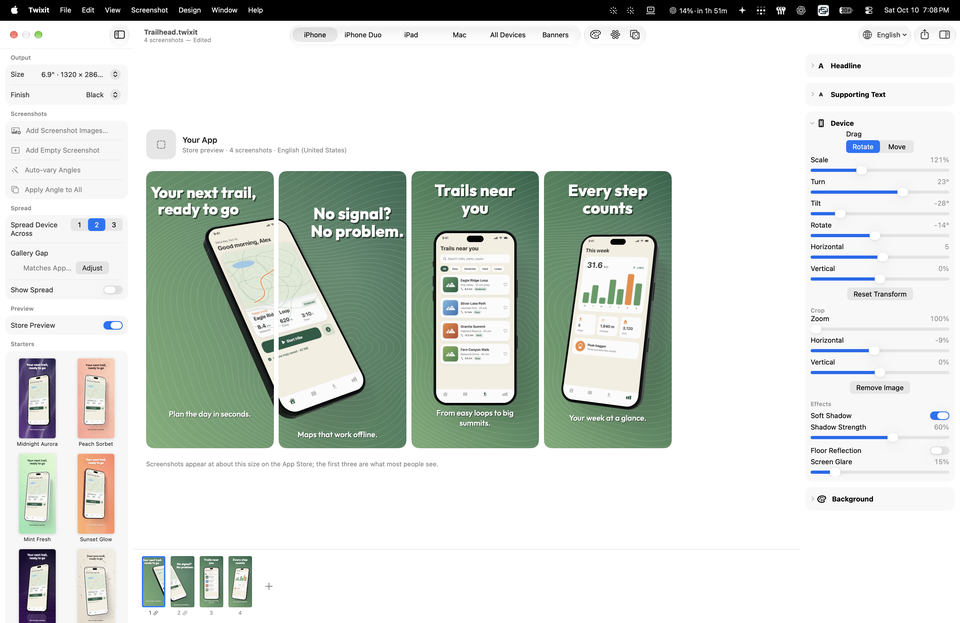
Agent: Here's the set in the Store Preview. The first three are what most people see. Export?
You: Make the first headline shorter, then export.
✓ 8 screenshots exported to fastlane/screenshots/
Illustrative example, not a real transcript.
-
The agent does the work
It reads your project, then:
- runs your app in the Simulator and captures the key screens;
- writes a headline and supporting text for each, in every language your app supports;
- matches your app's colours and fonts;
- previews the set with you, then exports.
English 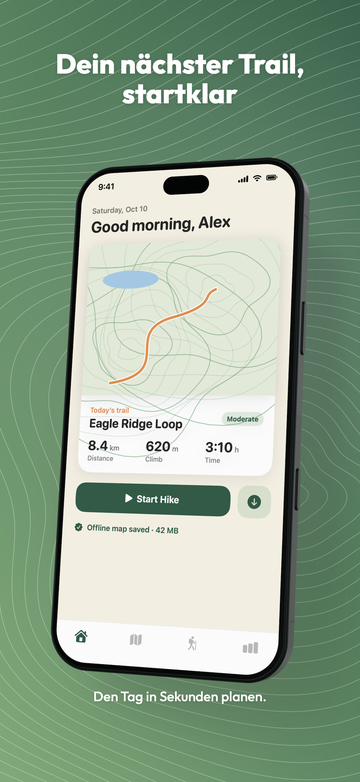
German, same layout -
Fine-tune
The project shows up in Twixit's Projects window. Open it to adjust anything by hand. Every change the agent made can be undone.
Banners too
The agent can also make the App Store banners, with the same background and fonts as your screenshots.
Any MCP agent, or Terminal
It works with any agent that supports MCP (Model Context Protocol), and from Terminal with the twixit command line tool, which is built into the app.
Off until you turn it on
The server only listens on your own Mac (127.0.0.1) and needs a private key, so websites and other computers can't reach it. Agents can only use folders you allow, and Twixit asks before the first one.
Devices
Every device
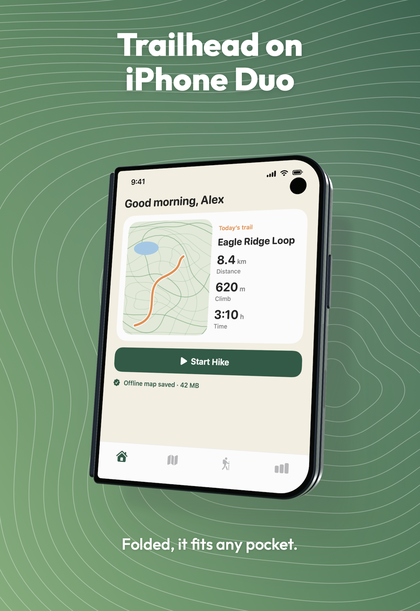
Every example on this page is a real Twixit export for Trailhead, a made-up hiking app.
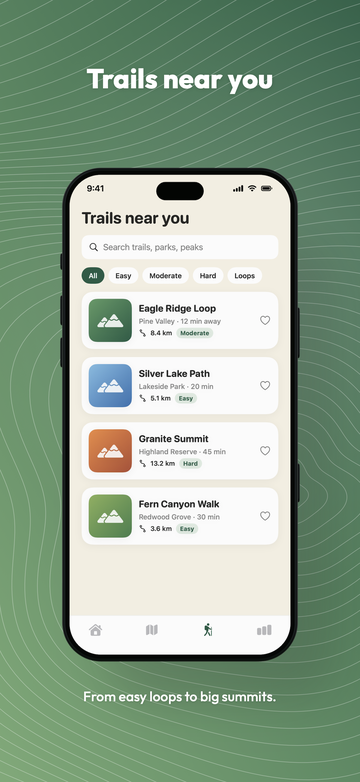
iPhone
6.9" and 6.5" App Store sizes, portrait and landscape.
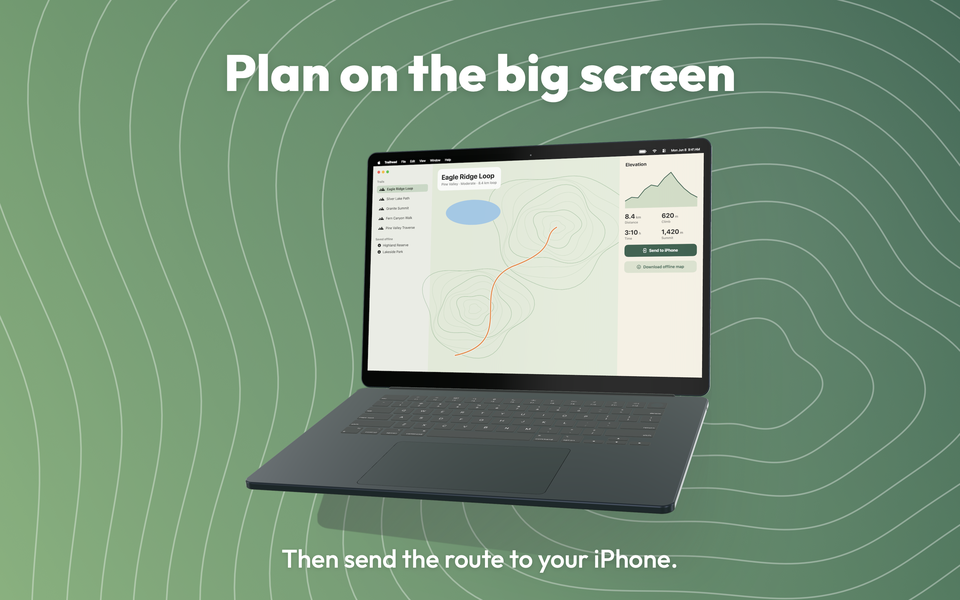
Mac
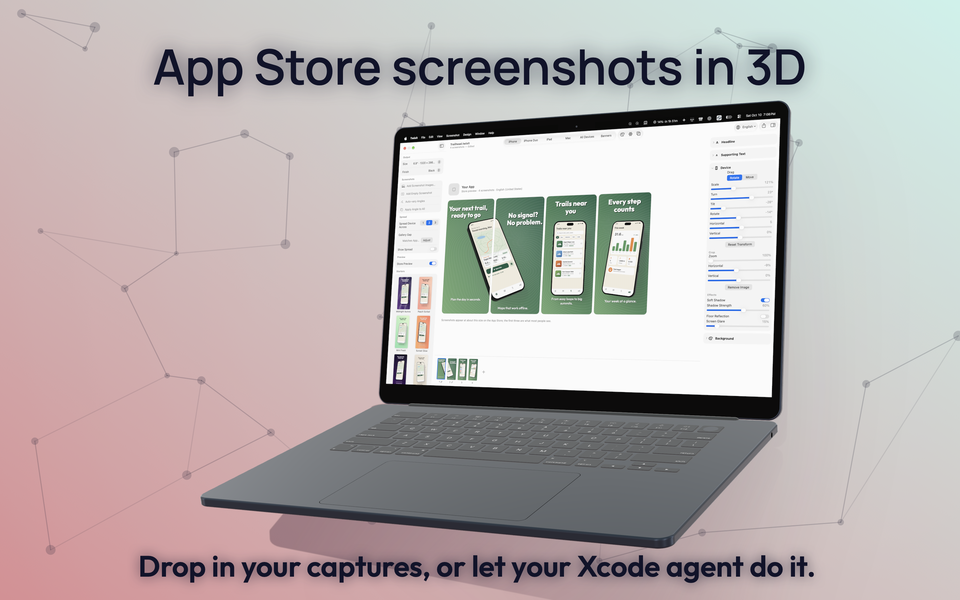
On a MacBook Air or as a floating window. On a MacBook, window captures get a real macOS menu bar beside the notch: your app's name and menus, in each language.
iPad
13" and 12.9", with the same designs, text and backgrounds as your iPhone set.
All Devices
iPhone, iPad and Mac together in one arrangement, for marketing images (3840 × 2160, 1920 × 1080, a 1200 × 630 link preview, square 2048) and Mac App Store sizes.
iPhone Duo
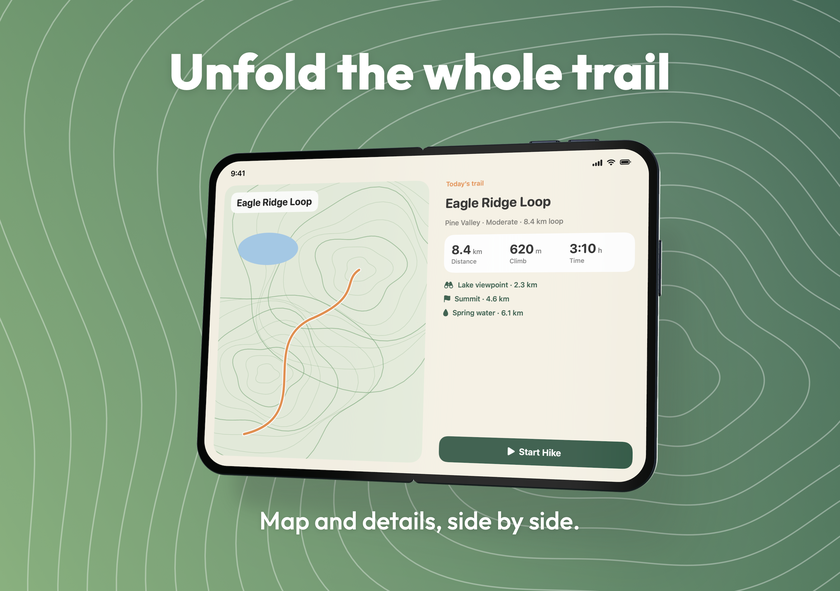
The foldable, three ways:
- folded, on the outer display;
- open, on the inner display;
- standing on a desk in a V.
Folded and open screenshots sit side by side in one strip.
Design
Design that sells
Real 3D
Drag to turn, tilt and move the device in 3D, with exact sliders. Auto-vary angles across the set in one click.
Spreads
One device stretched across two or three screenshots, lined up with the App Store gallery's gaps so it reads as one wide picture.
Text that follows the device
A headline and supporting text on every screenshot, in Twixit's own fonts (28 families) or any font installed on your Mac. Text can wrap around the device and turn in perspective with it.
Backgrounds
Two-colour gradients, 63 patterns, or your own picture with dim and blur.
A place to start
Starter designs, plus Random Background, Random Pattern and Surprise Me.
Finishes and light
Device finishes matching the real colours, a soft shadow, floor reflection and screen glare.
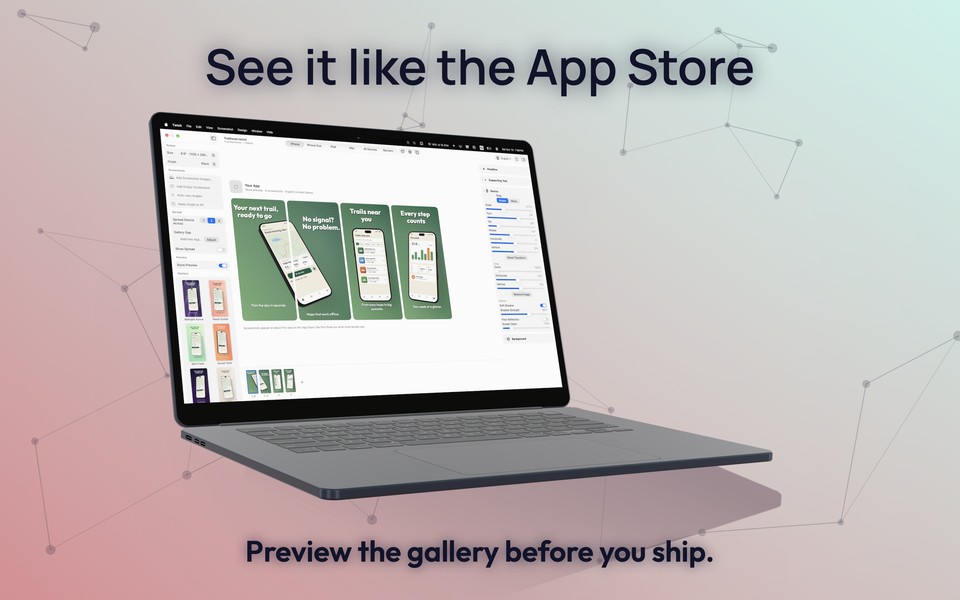
Store Preview
See the set at the size the App Store shows it. The first three screenshots are what most people see.
Localisation
Every language
- Add every App Store language. Positions, fonts and sizes are shared; only the text changes.
- Translate Missing Copy translates on your Mac with Apple's Translation framework. Translations arrive as drafts for you to check.
- Missing translations are marked, and fall back to your primary language's text, dimmed.
New
App Store banners
The product page header (3840 × 1646), search results (3840 × 2560) and universal image (5244 × 2950), shown on iOS 27 and iPadOS 27 and later.
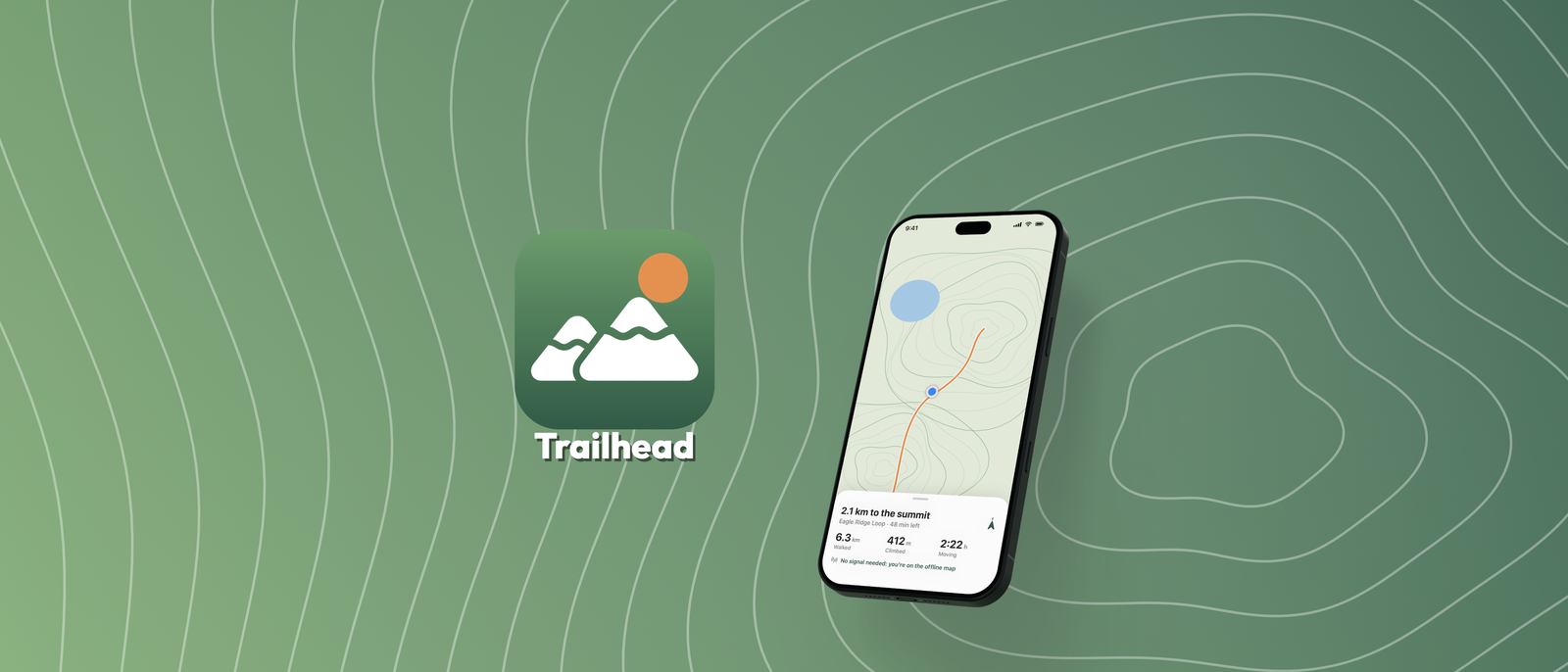
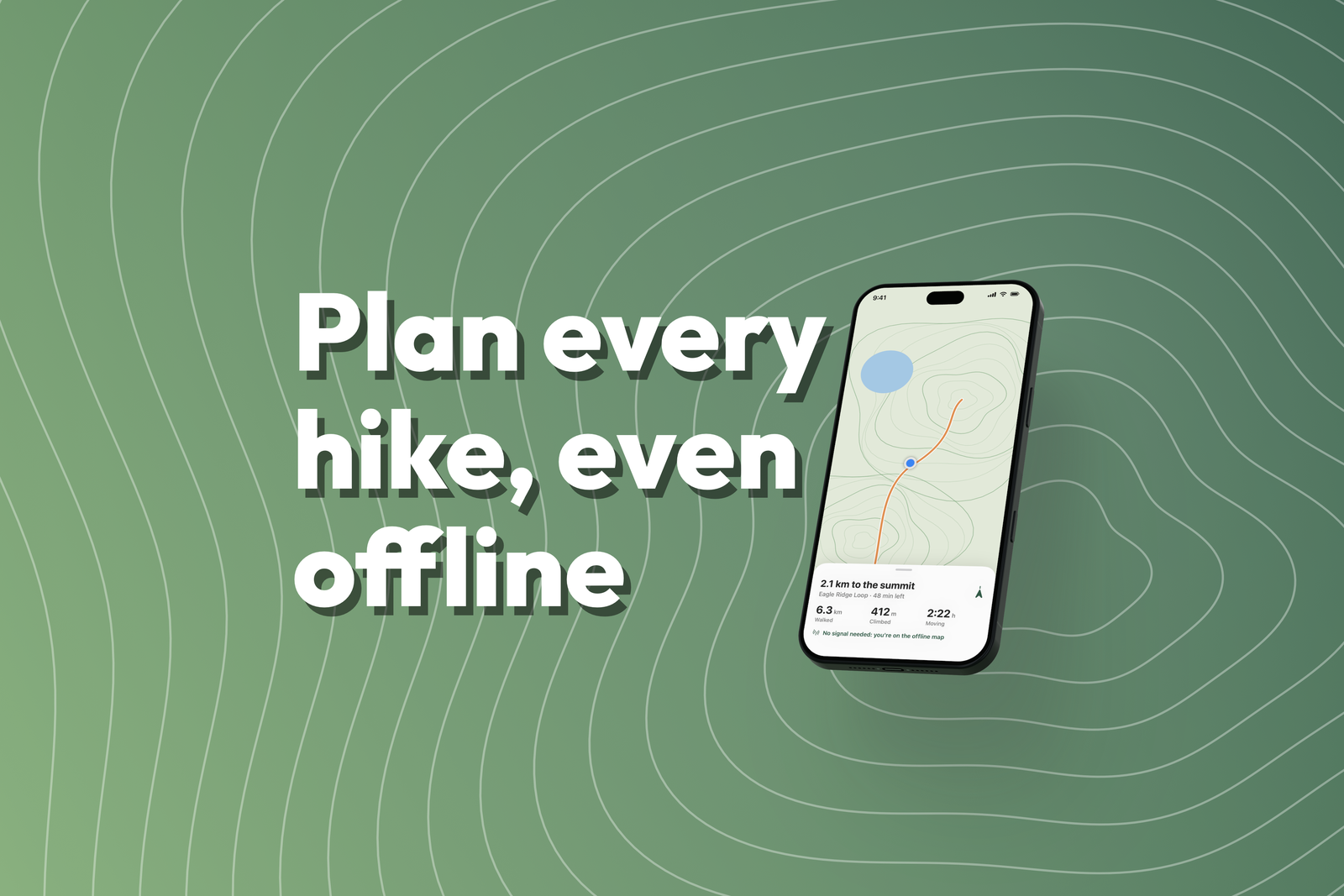
- Your logo, app name and tagline per language. Lockup or Showcase layouts, up to 4 devices, everything movable and resizable.
- The dashed safe area shows what every screen keeps; Twixit warns when something is outside it.
- Same background and fonts as your screenshots, so the product page matches.
- Exporting banners is part of Twixit Pro; designing and previewing them is free.
Export
Ready for App Store Connect
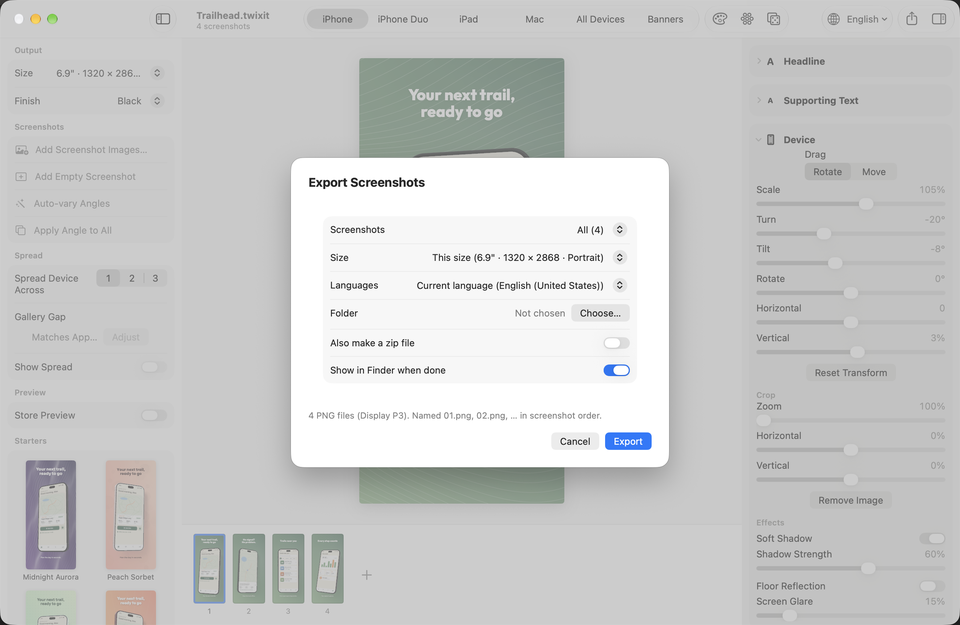
- Display P3 PNGs at the exact pixel sizes App Store Connect accepts, without transparency.
- The current size or every size at once, in every language, in folders by language and size, with an optional zip.
- fastlane-friendly folders.
- Projects are single files in Finder with a Quick Look preview, saved automatically with version history.
Pricing
Free to try. Pay once if you need more.
Twixit Free
Free
Every editing feature, automation and the command line tool. One project and 2 exported screenshots, at one size, with no watermark.
Twixit Pro
US$19.99 one-time in-app purchase
Unlimited projects and exports, every size, and App Store banners. Shared with your family through Family Sharing.
Privacy
No account. No sign-in. No tracking. Your captures and projects stay on your Mac.
Read the privacy policyMake your next App Store set in 3D.
Download fromMac App StoreFree to try on macOS 27 or later